Basic SparkiDuino Lessons
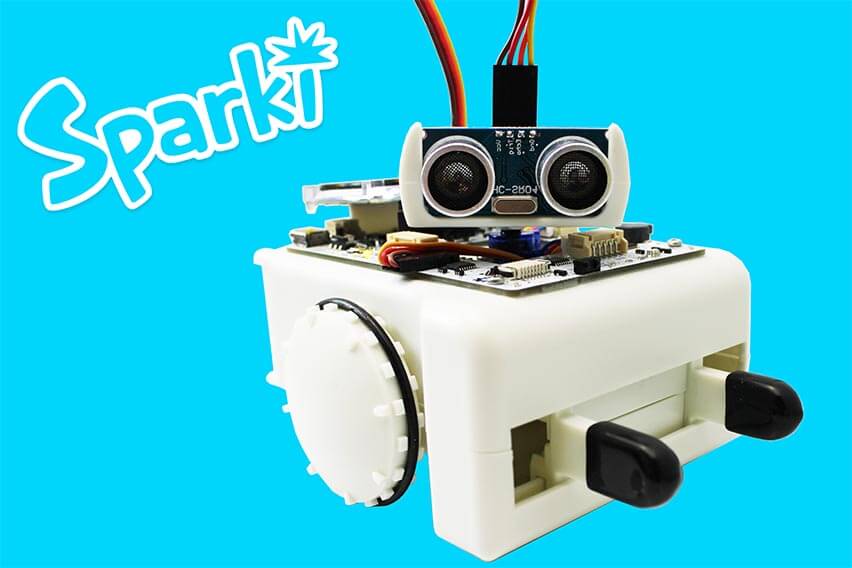
SparkiDuino is an easy to use, open source and free Integrated Development Environment (IDE) for the Sparki robot. It includes all the necessary instructions and examples to easily start programming your Sparki using Arduino syntax. The following links provide installation instructions for Windows and for Mac OS X:

Once you have installed SparkiDuino, you are ready to start with our Basic SparkiDuino Robotics Lessons:
Moving the Robot
Mixing Colors with the RGB LED
Making Sounds
First Steps with the LCD Display
Using the Ultrasonic Distance Sensor
Wall Avoidance
Basic Gripper Usage
Follow and Avoid Light
Edge Avoidance
Theremin
Hill Climb
Line Following
Cleaning Robot
Drawing with Sparki
Making Music with the Accelerometer
Using USB Serial and Bluetooth Communications